
Access control system installation guide for Irish businesses 2026

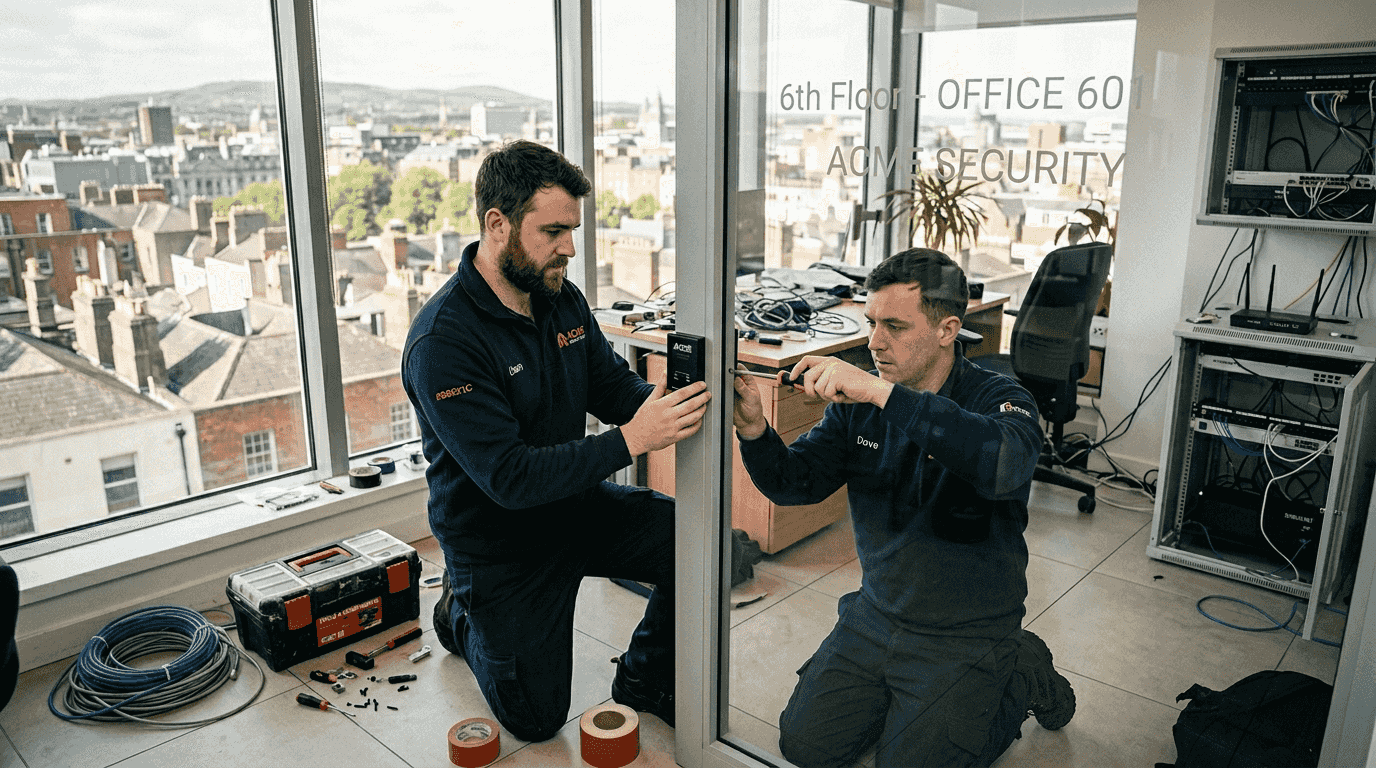
Commercial businesses across Ireland face mounting security challenges, with burglary offences rising 10% to 9,981 incidents in Q3 2024 alone. Access control systems provide a critical defence layer, controlling who enters your premises and when. This comprehensive guide walks facilities managers through professional installation steps, from initial planning to ongoing maintenance, ensuring your commercial property remains secure and compliant with Irish regulations.
Table of Contents
Key takeaways
Point | Details |
Rising crime demands action | Irish burglary rates increased 10% in Q3 2024, making robust access control essential for commercial properties. |
Preparation prevents problems | Thorough security assessments and technology selection before installation ensure optimal system performance. |
Professional installation matters | Following structured installation steps guarantees compliance, security effectiveness, and long-term reliability. |
Ongoing maintenance is crucial | Regular monitoring, updates, and audits maintain system integrity and prevent security lapses. |
GDPR compliance is mandatory | Biometric systems require careful data handling, encryption, and privacy impact assessments. |
Understanding the need for access control systems in Ireland
The security landscape for Irish commercial businesses has shifted dramatically. Burglary offences rose 10% nationally in Q3 2024, with the Southern region experiencing a 23% spike during the same period. These statistics represent real threats to your assets, employees, and business continuity.
Access control systems address these challenges by restricting entry to authorised personnel only. Unlike traditional lock and key systems, modern access control provides detailed audit trails, instant permission changes, and integration with other security measures. When combined with intruder alarms and CCTV, you create layered defence that significantly reduces vulnerability.
The benefits extend beyond theft prevention:
Track employee movements and attendance automatically
Restrict access to sensitive areas like server rooms or storage facilities
Eliminate costs associated with rekeying locks when staff leave
Generate compliance reports for insurance and regulatory requirements
Receive instant alerts when unauthorised access attempts occur
Access control systems function as your first line of defence, determining who enters before they reach areas monitored by CCTV or protected by alarm systems. This proactive approach prevents incidents rather than simply recording them.
“Effective security strategy starts with controlling access points. Without proper access management, even the most sophisticated alarm systems become reactive measures rather than preventative solutions.”
For facilities managers, access control transforms security from a reactive concern into a manageable, data-driven process. You gain visibility into building usage patterns, identify security gaps, and respond to threats in real time.
Preparing for access control system installation
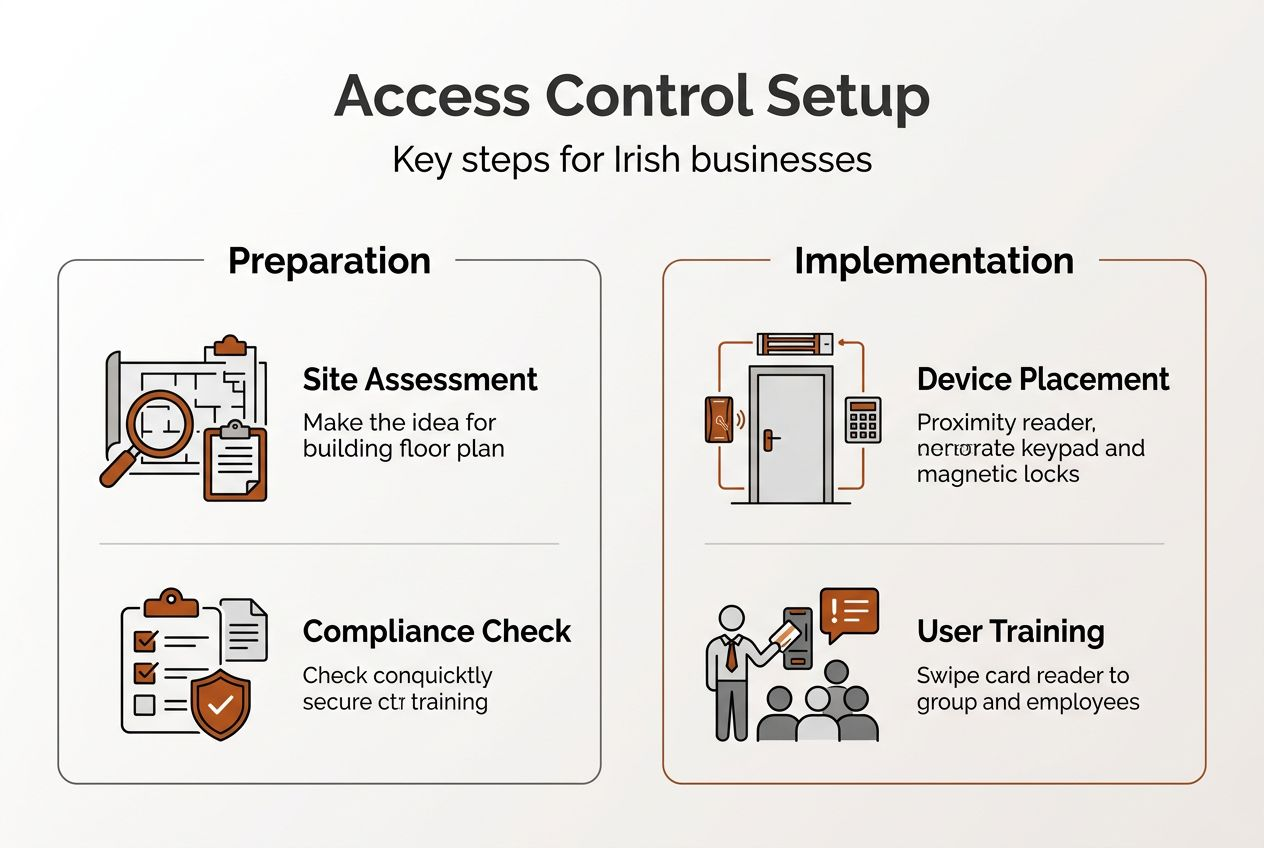
Successful installation begins with thorough preparation. Start by conducting a comprehensive security assessment of your premises. Walk through your facility and identify every access point requiring control: main entrances, side doors, loading bays, car parks, and internal secure areas. Document current security weaknesses and prioritise areas based on risk level and asset value.
Next, select appropriate technology for your needs. Four primary access control methods dominate commercial installations:
Card-based systems use proximity or smart cards for straightforward, cost-effective access
PIN systems require users to enter numerical codes, eliminating physical credentials
Biometric systems verify fingerprints or facial features for highest security
Mobile credentials leverage smartphones for convenient, modern access control
The table below compares these technologies:
Technology | Security Level | Initial Cost | Privacy Considerations | Best For |
Card-based | Medium | Low | Minimal | General office access |
PIN codes | Medium | Very Low | None | Small teams, temporary access |
Biometric | High | High | High-security zones | |
Mobile credentials | High | Medium | Moderate | Tech-forward organisations |
GDPR compliance becomes critical when implementing biometric systems. Biometric authentication presents privacy challenges that require careful handling. You must obtain explicit consent, store biometric data securely with encryption, and maintain detailed records of data processing activities.

Pro Tip: Conduct a data protection impact assessment before installing biometric systems. Document how you collect, store, and protect biometric data, and ensure you have legal grounds for processing under GDPR Article 9.
Budget considerations extend beyond hardware costs. Factor in installation labour, software licensing, ongoing maintenance, and potential infrastructure upgrades. Older buildings may require additional wiring or power supply modifications. Consider whether cloud-based or on-premise management suits your IT infrastructure and security policies better.
User management planning prevents future headaches. Define access levels before installation: which staff need building-wide access, who requires restricted area entry, and how you’ll handle contractors or visitors. Establish clear processes for business security preparation including credential issuance, access changes, and system audits.
Step-by-step process for professional access control installation
Professional installation follows a structured approach ensuring reliability and compliance. Here’s the detailed process:
Mount door hardware at each access point, including electromagnetic locks, strikes, or motorised bolts. Position readers at comfortable heights (typically 1.2-1.5 metres) and ensure weather protection for external installations.
Run cabling from each reader back to the control panel, using appropriate gauge wire for the distance. Install conduit protection where cables pass through walls or exposed areas. Maintain separation from electrical wiring to prevent interference.
Install control panels in secure, climate-controlled locations with backup power supplies. Connect panels to your network infrastructure, ensuring adequate bandwidth for real-time monitoring and updates.
Configure system software by creating your facility map, defining access zones, and establishing time schedules. Set up integration with existing security systems like CCTV or alarm monitoring.
Implement role-based access control by defining user groups and permission levels. RBAC success depends on good design principles, so create roles that match actual job functions rather than individual preferences.
Enrol users by issuing credentials and registering them in the system. For biometric systems, capture fingerprints or facial scans in controlled conditions ensuring quality templates.
Test thoroughly by verifying every access point responds correctly to valid and invalid credentials. Check that denied access triggers appropriate alerts and that audit logs capture all events accurately.
Train administrators and users on proper system operation, emergency procedures, and reporting protocols. Document everything for future reference.
Role-based access control prevents the common trap of over-permissioning. Instead of granting individual permissions, assign users to roles with predefined access levels. A receptionist role might include front entrance and ground floor access, whilst a maintenance role requires building-wide entry including plant rooms and rooftop areas.
Pro Tip: Review and audit user permissions quarterly. Access creep occurs when employees accumulate permissions over time as roles change. Regular audits identify and remove unnecessary access, maintaining security integrity.
Common installation challenges include network connectivity issues, power supply inadequacies, and door hardware compatibility. Professional installers anticipate these problems and carry backup equipment. They also ensure compliance with fire safety regulations, programming systems to unlock automatically during fire alarms.
For expert installation, consider professional access control services that guarantee proper configuration and ongoing support.
Verifying and maintaining your access control system
Post-installation verification confirms your system operates as designed. Begin by reviewing system logs for the first week, checking that all access events record correctly with accurate timestamps and user identification. Test emergency scenarios including fire alarm integration, power failures, and manual override procedures.
Conduct random spot checks across different times and access points. Verify that denied access attempts trigger immediate alerts to security personnel. Confirm that access schedules function correctly, preventing after-hours entry where restricted.
Routine maintenance preserves system reliability:
Update software and firmware monthly to patch security vulnerabilities
Clean card readers and biometric scanners quarterly to maintain accuracy
Test backup power supplies every six months
Inspect door hardware for wear and proper alignment
Review and archive system logs to maintain performance
The following table addresses common issues:
Problem | Likely Cause | Solution |
Reader not responding | Network connectivity or power issue | Check cable connections and power supply |
Valid credentials rejected | Damaged card or dirty reader | Clean reader, replace credential if needed |
Door fails to unlock | Strike misalignment or lock failure | Adjust strike plate, test lock mechanism |
Slow system response | Database overload or network congestion | Archive old logs, upgrade network capacity |
Unauthorised access alerts | Credential sharing or cloning | Audit user list, upgrade to secure credentials |
GDPR compliance requires ongoing attention. Regular governance prevents RBAC failure through over-permissioning or misconfiguration. Schedule quarterly reviews of who has access to what, removing permissions no longer required for job functions. Maintain detailed records of all access changes and security incidents.
Data protection extends to system logs containing personal information. Implement retention policies that balance security needs with privacy rights. Typically, retain detailed logs for 90 days for operational purposes, then archive summarised data for compliance requirements.
Monitor for unusual patterns indicating security concerns: multiple failed access attempts, after-hours access by unexpected users, or disabled credentials attempting entry. Configure alerts that notify security teams immediately when suspicious activity occurs.
Establish clear incident response procedures. When security breaches occur, your team needs documented steps for investigation, containment, and resolution. Regular drills ensure everyone understands their role during security events.
For comprehensive business security maintenance, integrate access control monitoring with your broader security strategy.
Enhance your commercial security with Signal Fire & Security
Protecting your commercial premises requires expertise that extends beyond basic installation. Signal Fire & Security specialises in professional access control installation tailored to Irish businesses, ensuring your system meets current security challenges whilst maintaining GDPR compliance.
Our approach combines access control with complementary security measures. We integrate intruder systems that respond instantly to unauthorised entry attempts, creating layered defence that addresses multiple threat vectors simultaneously.

Beyond installation, our security monitoring services provide 24/7 oversight, ensuring rapid response when incidents occur. Our Dublin-based team understands the unique security landscape facing Irish commercial properties, from regulatory compliance to regional crime patterns.
Protect your premises, employees, and assets with professionally installed access control systems designed for Irish businesses. Contact Signal Fire & Security today to schedule your security assessment and discover how expert installation transforms your facility’s security posture.
Frequently asked questions
What types of access control systems are best for commercial use in Ireland?
Card-based systems offer reliable, cost-effective solutions for most commercial applications, whilst biometric systems provide enhanced security for sensitive areas. Mobile credentials suit tech-forward organisations wanting modern, convenient access. Your choice depends on security requirements, budget, and GDPR considerations particularly for biometric data.
How can I ensure my access control system complies with GDPR?
Store all biometric and personal data with strong encryption and limit access to authorised personnel only. Conduct a data protection impact assessment before installation, documenting your legal basis for processing personal data. Maintain detailed records of data handling procedures and ensure users provide explicit consent for biometric capture.
What common mistakes should be avoided during access control installation?
Avoid over-permissioning users beyond their actual job requirements, as this creates security vulnerabilities. Conduct thorough site assessments before installation to identify all access points and infrastructure needs. Establish regular audit schedules post-installation to review and update user permissions as roles change.
How often should access control systems be updated and maintained?
Update software and firmware monthly to address security vulnerabilities and improve functionality. Perform physical maintenance quarterly, including cleaning readers and inspecting door hardware. Audit user permissions and access logs every three months to identify security gaps or unnecessary permissions that accumulate over time.
Can access control systems integrate with existing security infrastructure?
Modern access control systems integrate seamlessly with CCTV, intruder alarms, and building management systems. This integration enables coordinated responses to security events, such as automatically recording video when unauthorised access attempts occur. Professional installation ensures proper configuration and reliable communication between all security components.
Recommended



Comments